
Convert OBJ to STL for 3D Printing
Open an OBJ in Hifer Remesh, export it as STL and verify the model’s size in a slicer.
1
Open the OBJ in Remesh
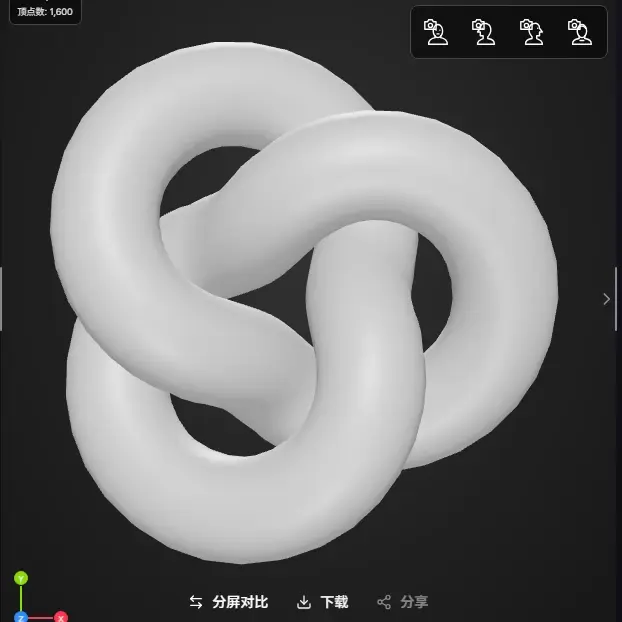
Choose a local 3D model, select your .obj file and wait until it appears in the preview. Rotate the model to check that the whole shape loaded.
2
Download as STL
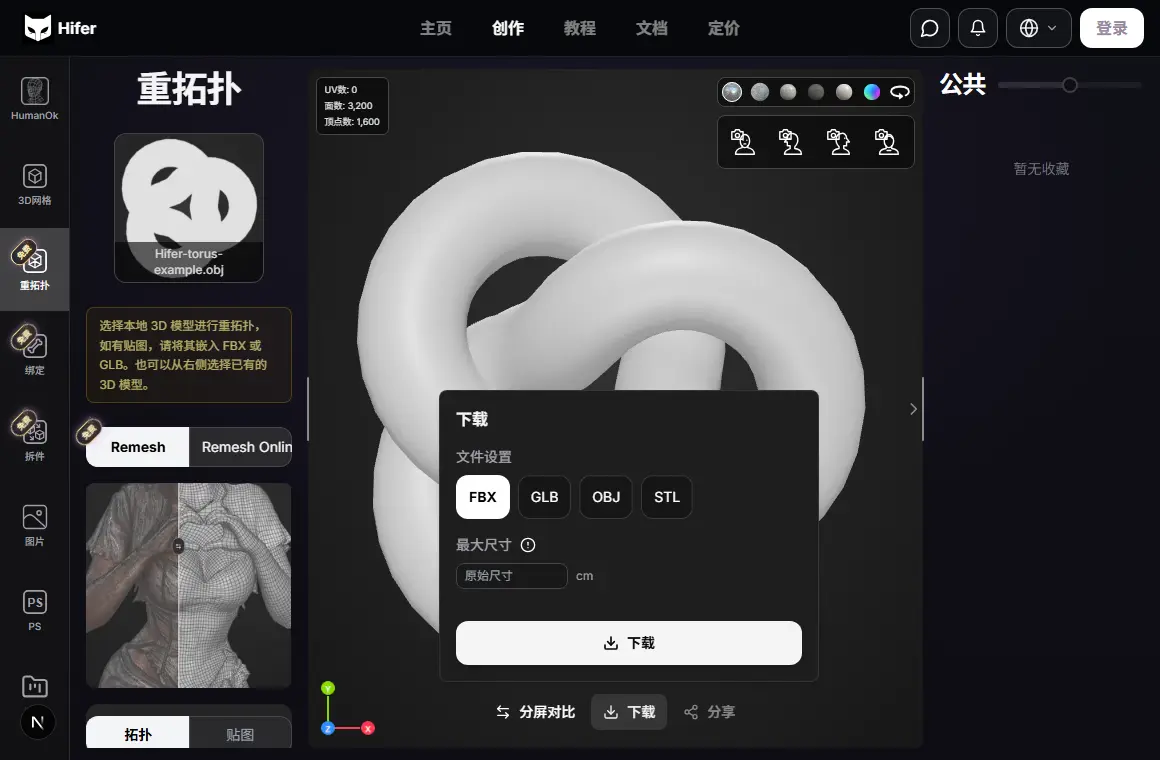
Open Download below the preview, select STL and click Download. Leave Maximum size blank to use the original size, or enter the longest dimension in centimeters to resize proportionally.
3
Check the STL in a slicer
Import the downloaded STL into a slicer. Check the measurements in millimeters, the orientation and the layer preview. STL stores only surface geometry, so keep the source OBJ and its materials for future editing.